> ## Documentation Index
> Fetch the complete documentation index at: https://docs.qiton.app/llms.txt
> Use this file to discover all available pages before exploring further.
# Password
> With great power comes great responsibility
Changing your password will automatically log out of all your devices.
Your password serves as the sole barrier between your data and the external world, so make sure to choose a strong one.
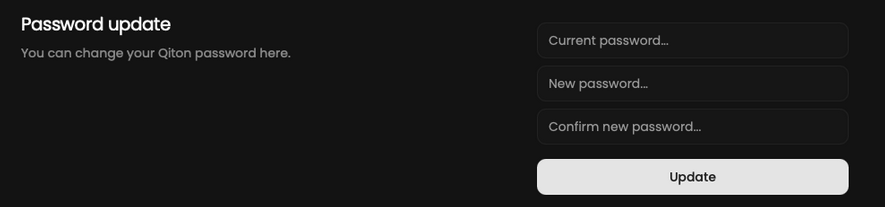
For instructions on how to change your password, please refer to the following.
## Prerequisites
* An account
## Steps
Start by going to the settings page at [qiton.app/settings](https://qiton.app/settings).
## Change password
Fill in the form to change your password.
You will be logged out.