> ## Documentation Index
> Fetch the complete documentation index at: https://docs.qiton.app/llms.txt
> Use this file to discover all available pages before exploring further.
# Mobile access
> Access Qiton from your pocket
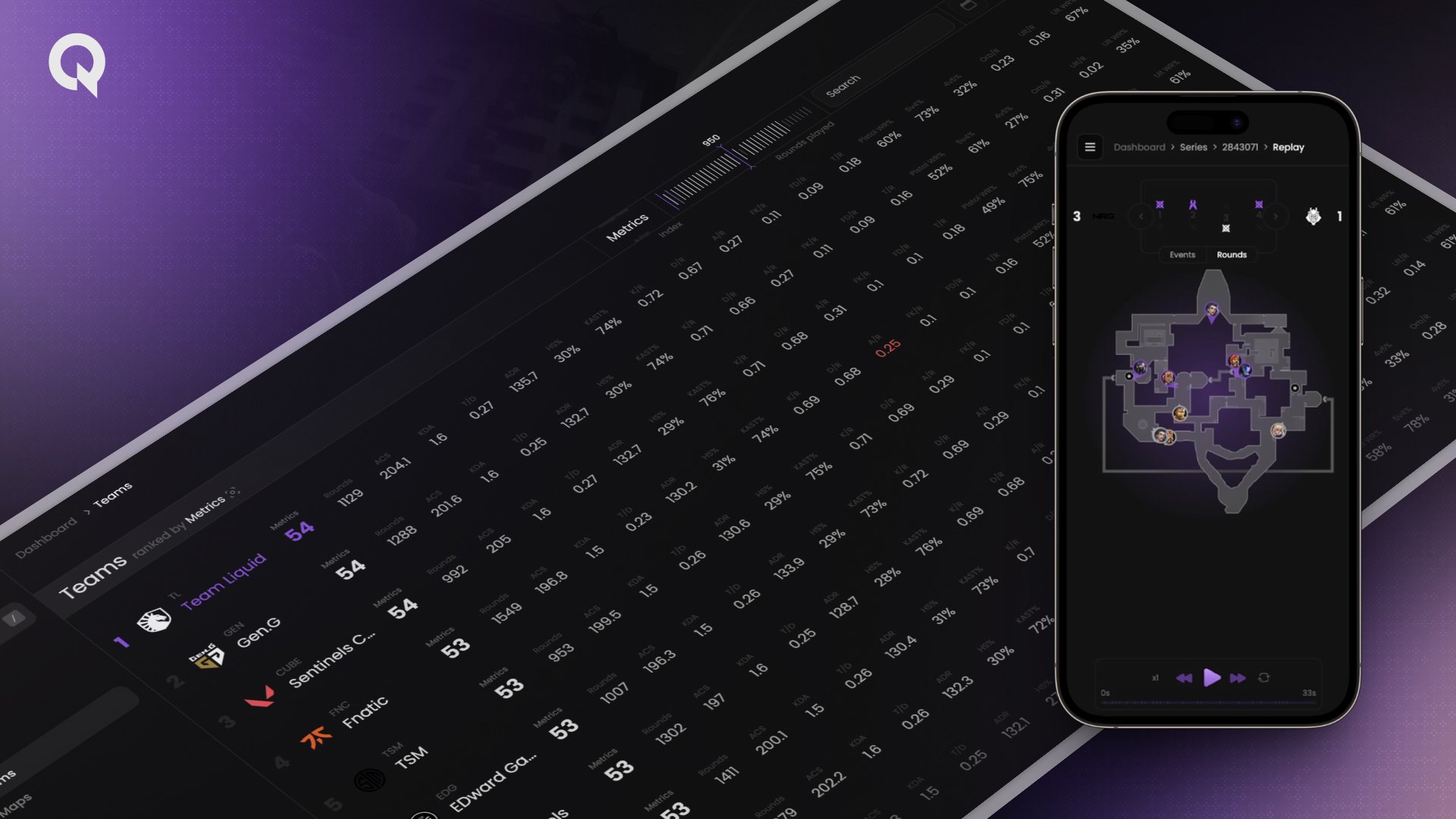 Qiton has been designed with accessibility in mind.
Since coaches and players are often on the move we provide a mobile application available on all platforms using PWA.
This way, you can access your precious data and statistics anytime, anywhere.
Here is how to set it up with iOS.
## Prerequisites
* An account
## Steps
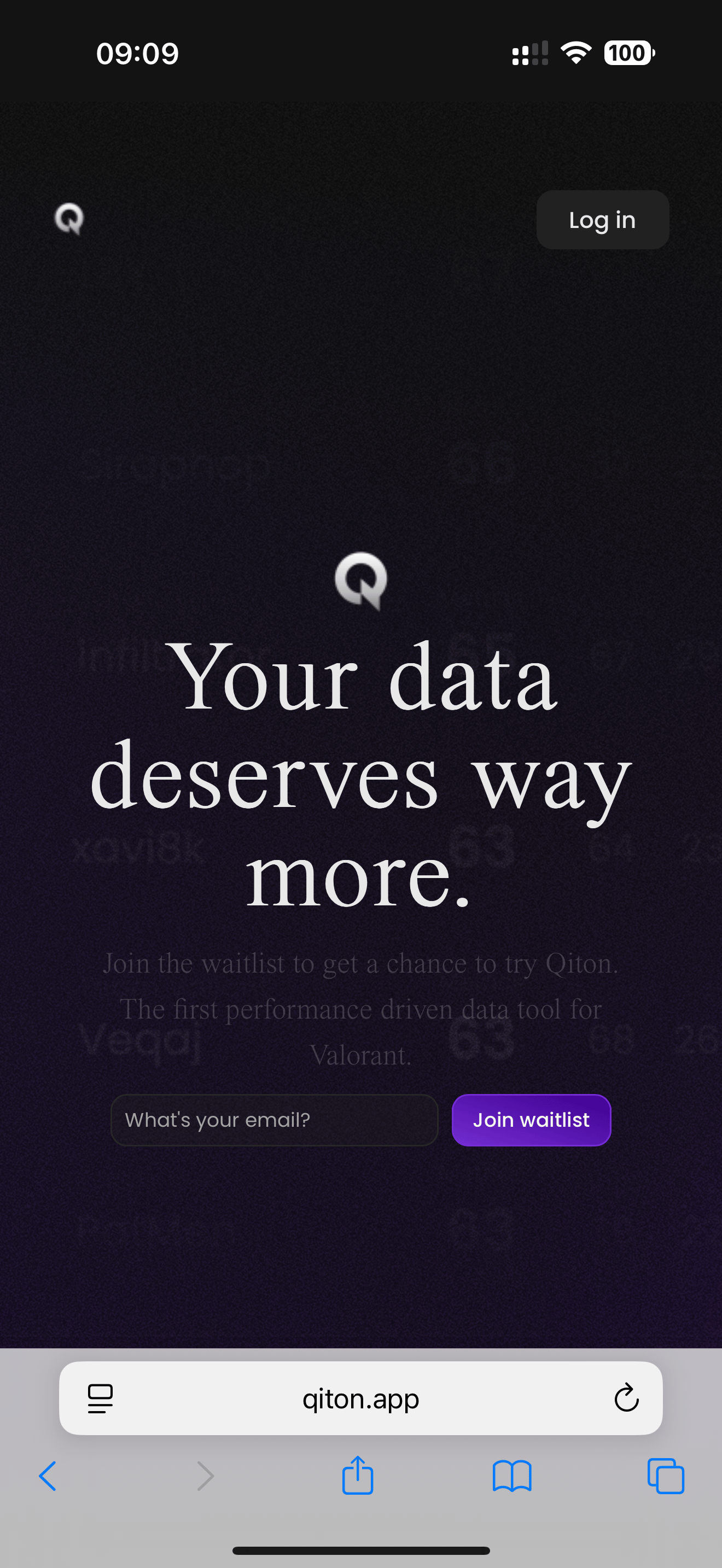
Begin by retrieving your phone and opening [qiton.app](https://qiton.app).
Now tap on the share icon located at the bottom of the screen.
Qiton has been designed with accessibility in mind.
Since coaches and players are often on the move we provide a mobile application available on all platforms using PWA.
This way, you can access your precious data and statistics anytime, anywhere.
Here is how to set it up with iOS.
## Prerequisites
* An account
## Steps
Begin by retrieving your phone and opening [qiton.app](https://qiton.app).
Now tap on the share icon located at the bottom of the screen.
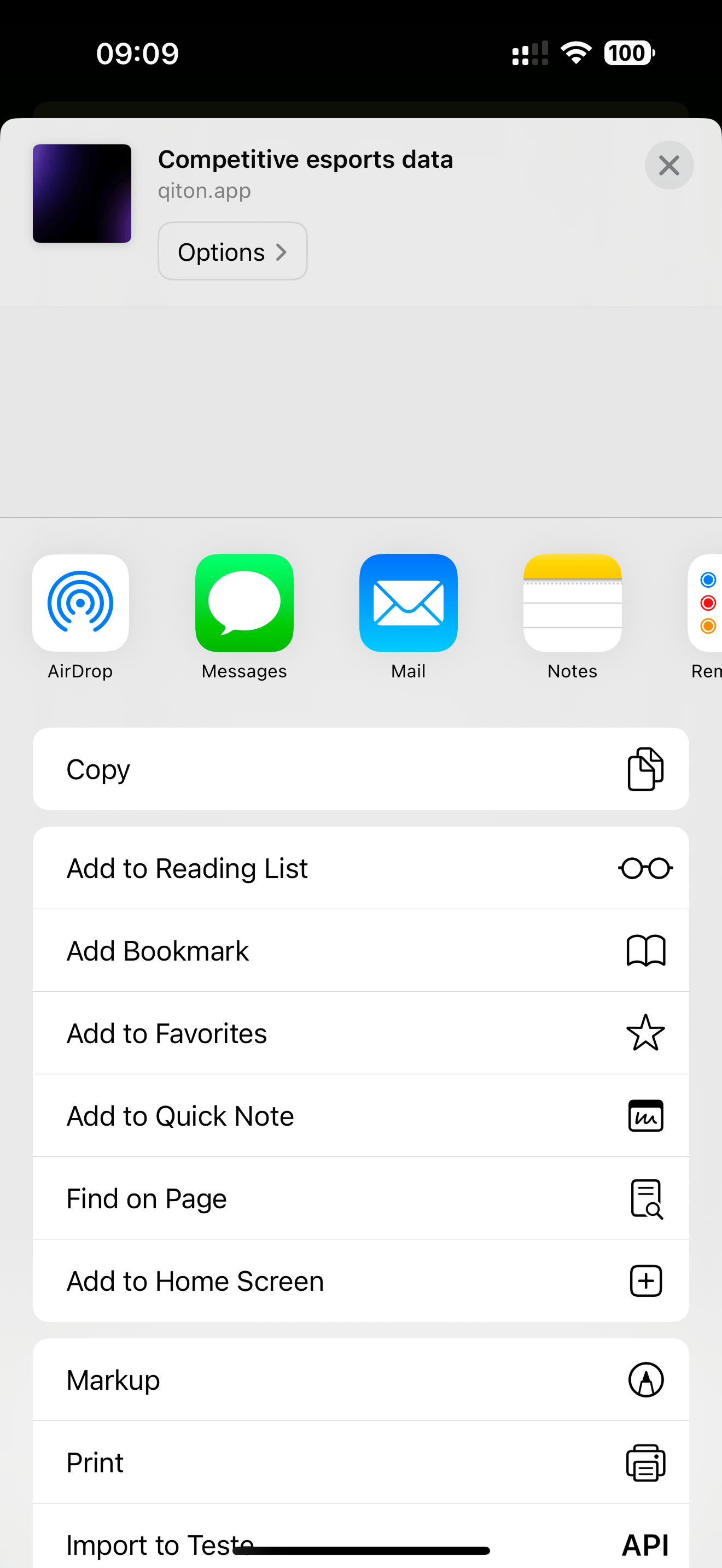
 Then **Add to Home Screen** button.
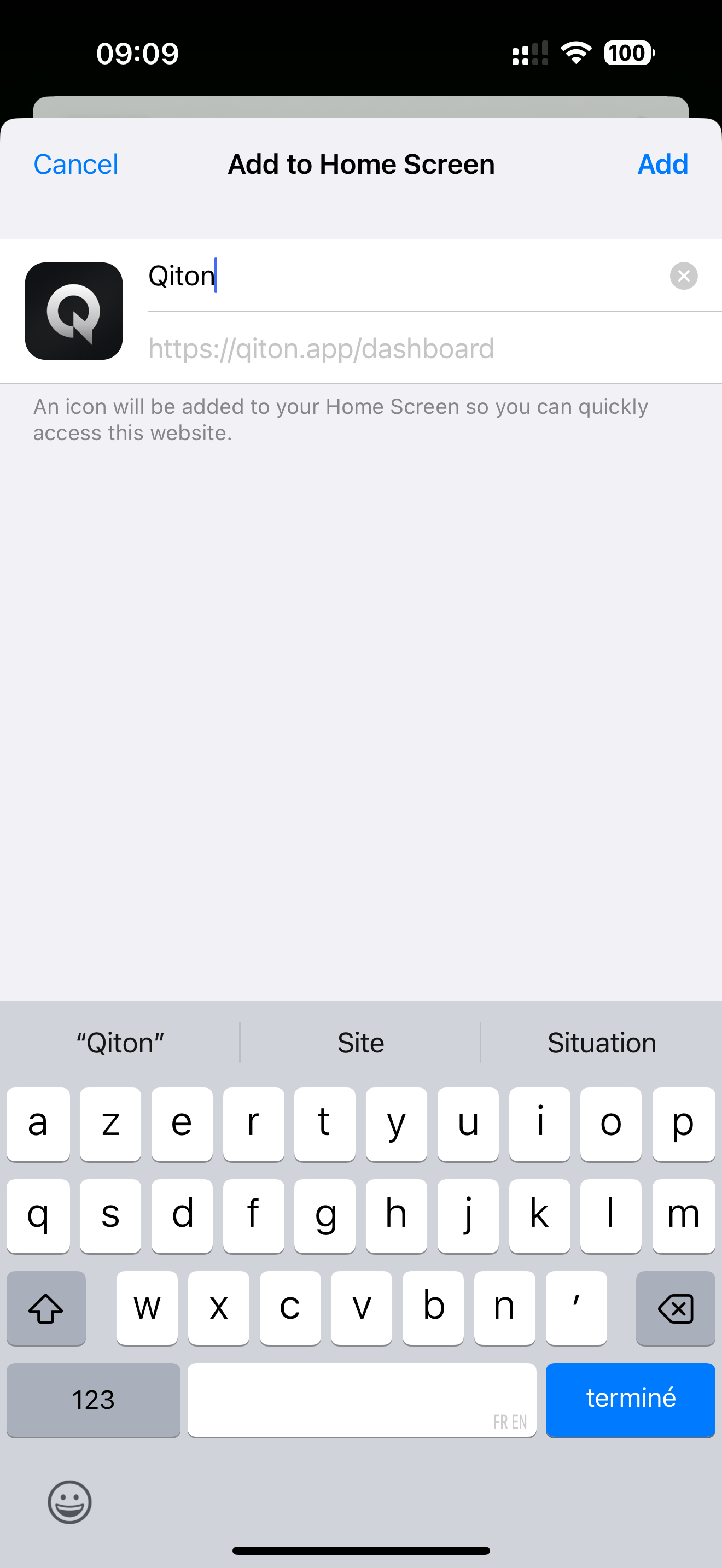
 Then **Add** button.
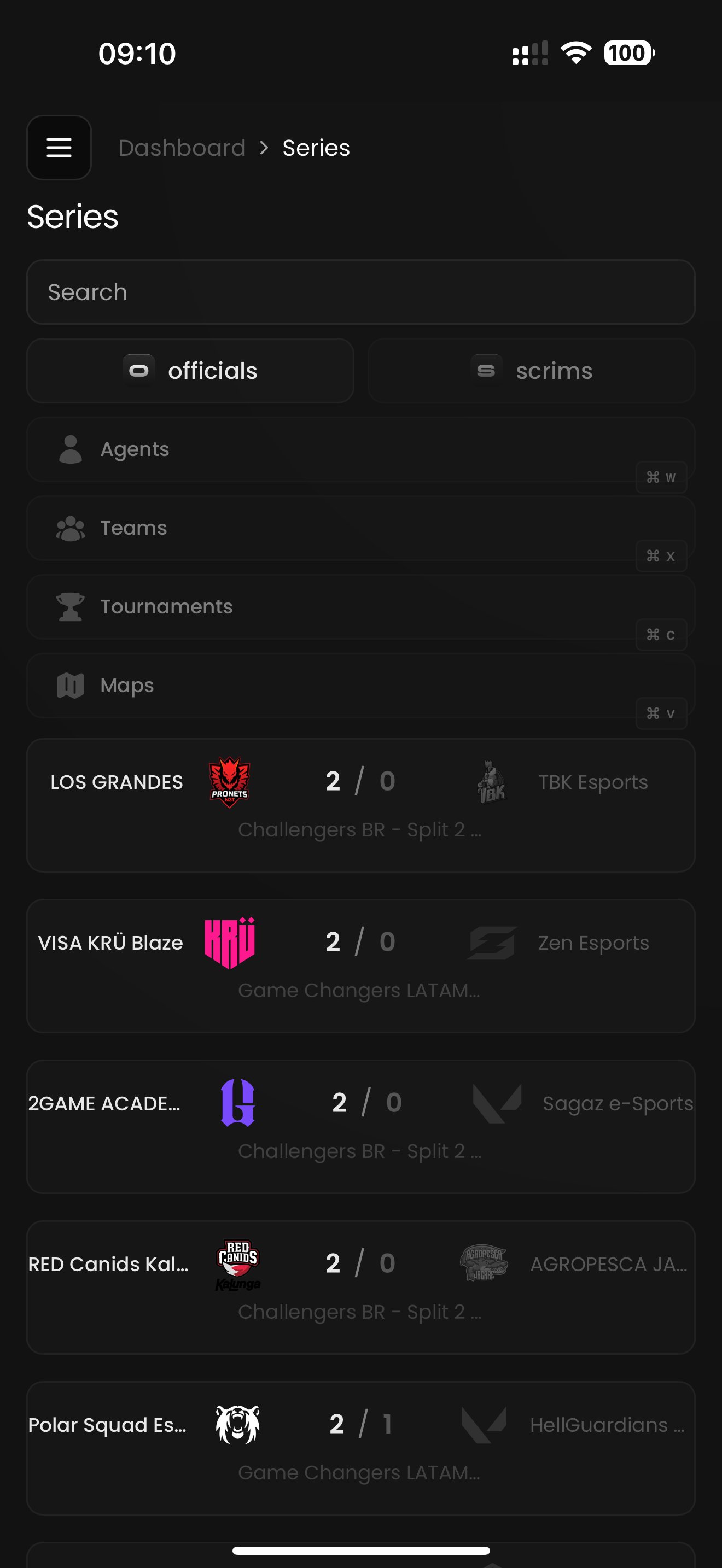
 Qiton should be available on your home screen, and you can open it.
Log in, and you will now have access to your data.
Qiton should be available on your home screen, and you can open it.
Log in, and you will now have access to your data.
 *Please note that the steps described may slightly differ on other platforms like Android.*