> ## Documentation Index
> Fetch the complete documentation index at: https://docs.qiton.app/llms.txt
> Use this file to discover all available pages before exploring further.
# Maps
> Your favorite map
## Prerequisites
* An active account ([learn more](/get-started/setup))
* You have to select a player beforehand ([learn more](/core/player/root))
## Steps
Navigate to the **Insights** tab.
## Preview
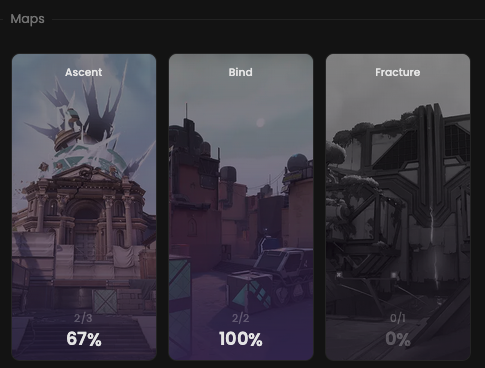 ## Available statistics
* `Wins percentage per map`
## Available filters
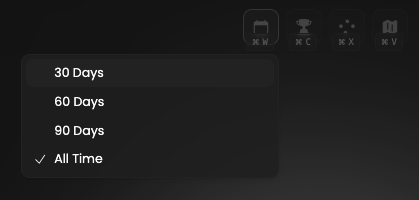
* `Dates`
* `Tournaments`
* `Scrims`
* `Officials`
* `Maps`
## Available statistics
* `Wins percentage per map`
## Available filters
* `Dates`
* `Tournaments`
* `Scrims`
* `Officials`
* `Maps`
 Modify the scope of the provided statistics based on the following situations.
* `Attack & defense`
* `Attack`
* `Defense`
Modify the scope of the provided statistics based on the following situations.
* `Attack & defense`
* `Attack`
* `Defense`