> ## Documentation Index
> Fetch the complete documentation index at: https://docs.qiton.app/llms.txt
> Use this file to discover all available pages before exploring further.
# Search bar
> An easy way to perform global searches
This search module is always available, like the Metrics one, during your journey.
Its purpose is to help you find a resource quickly.
## Prerequisites
* An active account ([learn more](/get-started/setup))
## Steps
 To open the module, click on the search bar located in the top left corner of your screen.
## Preview
To open the module, click on the search bar located in the top left corner of your screen.
## Preview
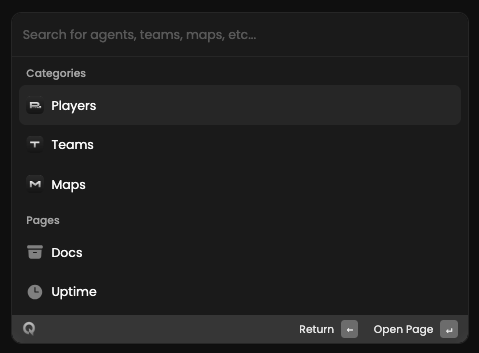 ## Available filters
* `Player's name`
* `Team name`
* `Map name`
## Available filters
* `Player's name`
* `Team name`
* `Map name`