> ## Documentation Index
> Fetch the complete documentation index at: https://docs.qiton.app/llms.txt
> Use this file to discover all available pages before exploring further.
# Players
> Members
Retrieve all players who have been included in the selected team.
## Prerequisites
* An active account ([learn more](/get-started/setup))
* You have to select a team beforehand ([learn more](/core/team/root))
## Steps
Navigate to the **Team** tab.
## Preview
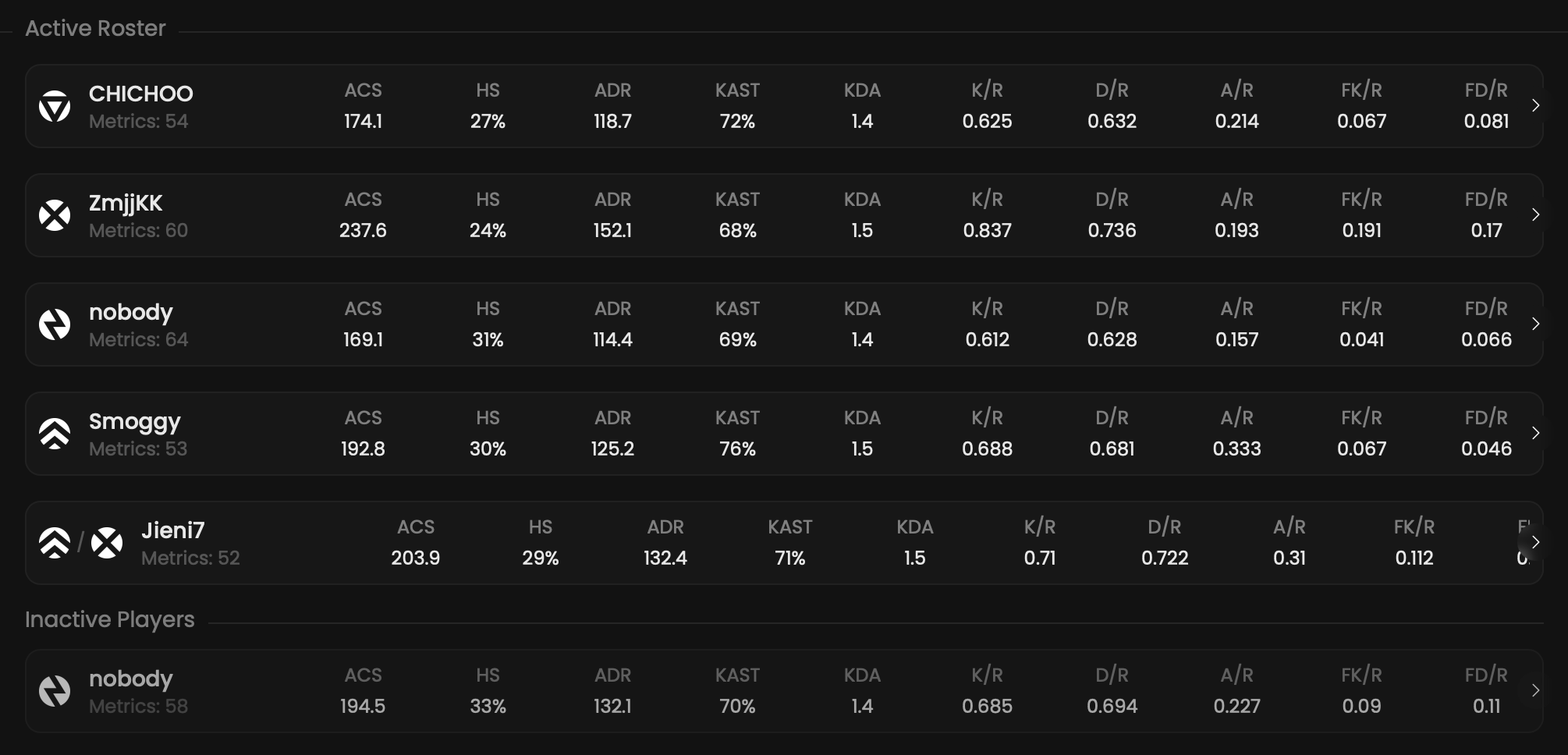 ## Available statistics
* `Metrics`
* `ACS`
* `HS`
* `ADR`
* `KAST`
* `KDA`
* `K/R`
* `D/R`
* `A/R`
* `FK/R`
* `FD/R`
* `T/R`
* `TD`
Descriptions are available [here](/core/statistics-meaning).
## Available filters
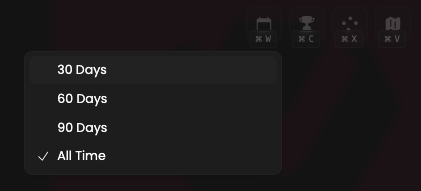
* `Dates`
* `Tournaments`
* `Scrims`
* `Officials`
* `Maps`
## Available statistics
* `Metrics`
* `ACS`
* `HS`
* `ADR`
* `KAST`
* `KDA`
* `K/R`
* `D/R`
* `A/R`
* `FK/R`
* `FD/R`
* `T/R`
* `TD`
Descriptions are available [here](/core/statistics-meaning).
## Available filters
* `Dates`
* `Tournaments`
* `Scrims`
* `Officials`
* `Maps`
 Modify the scope of the provided statistics based on the following situations.
* `Attack & defense`
* `Attack`
* `Defense`
## Metrics
Each Metrics score displayed on this page is calculated through the following steps.
1. We calculate a Metrics score by considering **the primary role's preset** and **the statistics** of
**the selected player**.
Learn more [here](/core/metrics).
Modify the scope of the provided statistics based on the following situations.
* `Attack & defense`
* `Attack`
* `Defense`
## Metrics
Each Metrics score displayed on this page is calculated through the following steps.
1. We calculate a Metrics score by considering **the primary role's preset** and **the statistics** of
**the selected player**.
Learn more [here](/core/metrics).